

 July 7, 2026
| By Jatin Patel, GPM, Microsoft Teams
July 7, 2026
| By Jatin Patel, GPM, Microsoft Teams
 Hello,
We’re continuing to refine the chat list experience in Microsoft Teams for Individuals (MSA) and prosumers-alike to make it easier to find, organize, and start conversations. Over the past few weeks, we’ve tested and rolled out a set of improvements focused on giving you more control over how your chats are displayed, while keeping the experience simple and familiar. That means a new Favorites section to keep your key chats front and center, more visible filters to find conversations faster, and a self chat that gives you a private space of your own.
These updates are now generally available, and we’re excited for you to try them out and share feedback as we continue to iterate.
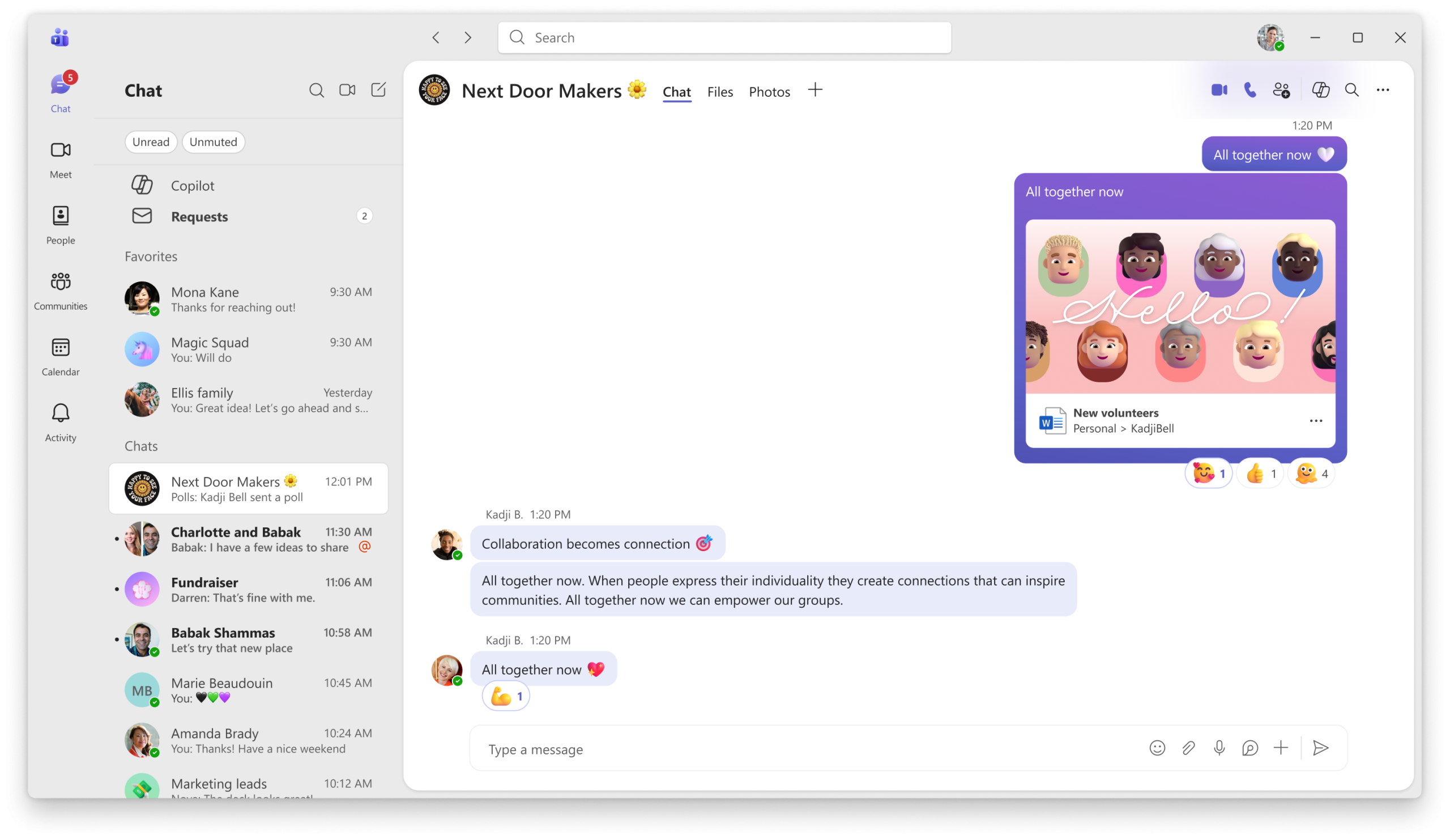
 A new Favorites section
You can now pin your most important chats to a dedicated Favorites section in the chat list. This makes it easier to keep key conversations – like family chats, close collaborators, or ongoing projects – front and center.
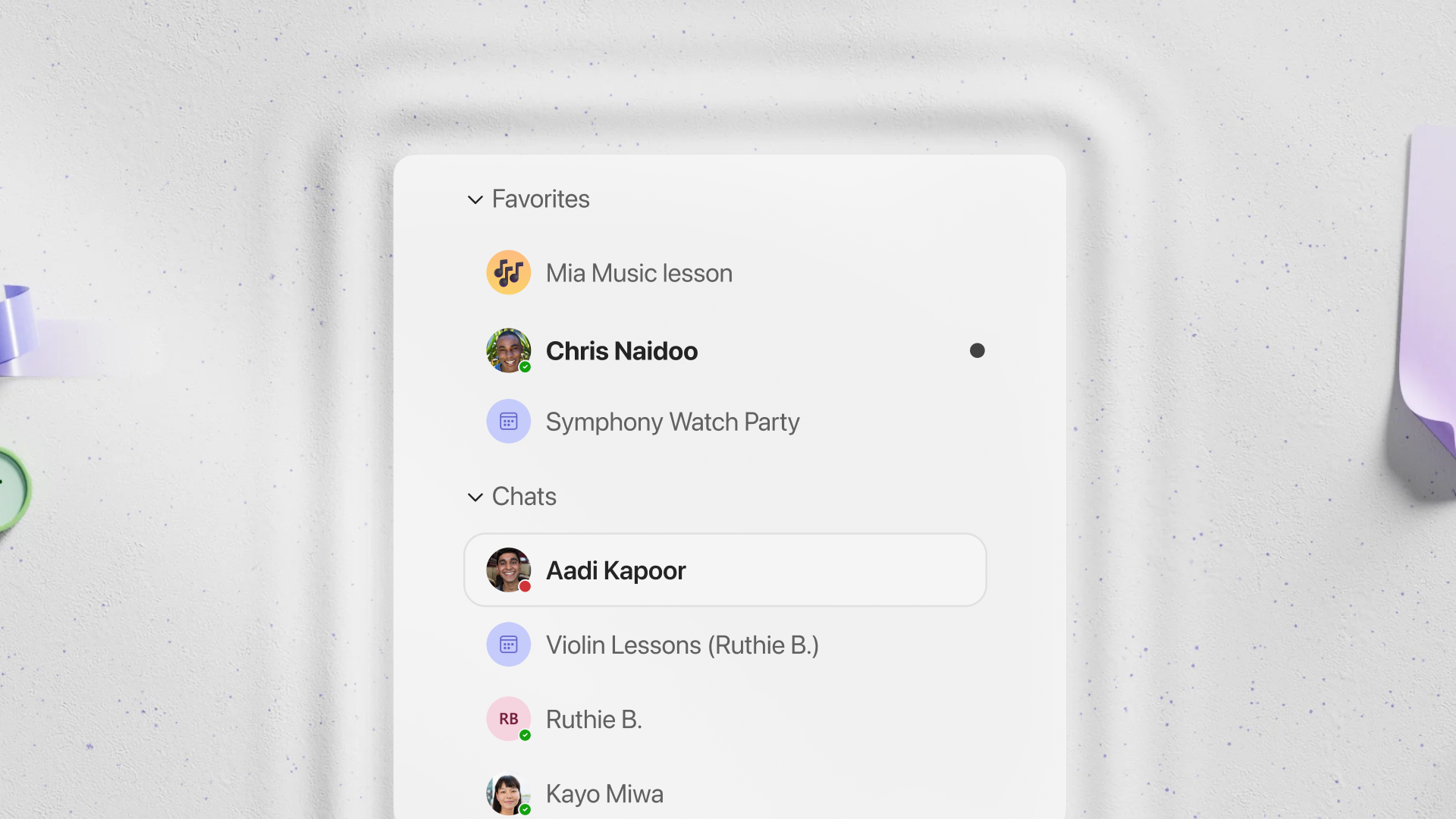
- Favorite chats stay visible at the top of your chat list
- You can quickly add or remove chats from Favorites as your priorities change
This update helps reduce scrolling and keeps your most – used chats easy to access, especially as your chat list grows.
 More visible chat list filters
We’re also making chat list filters easier to discover and use. Filters are now more clearly exposed, so you can quickly change how your chats are sorted without digging into menus.
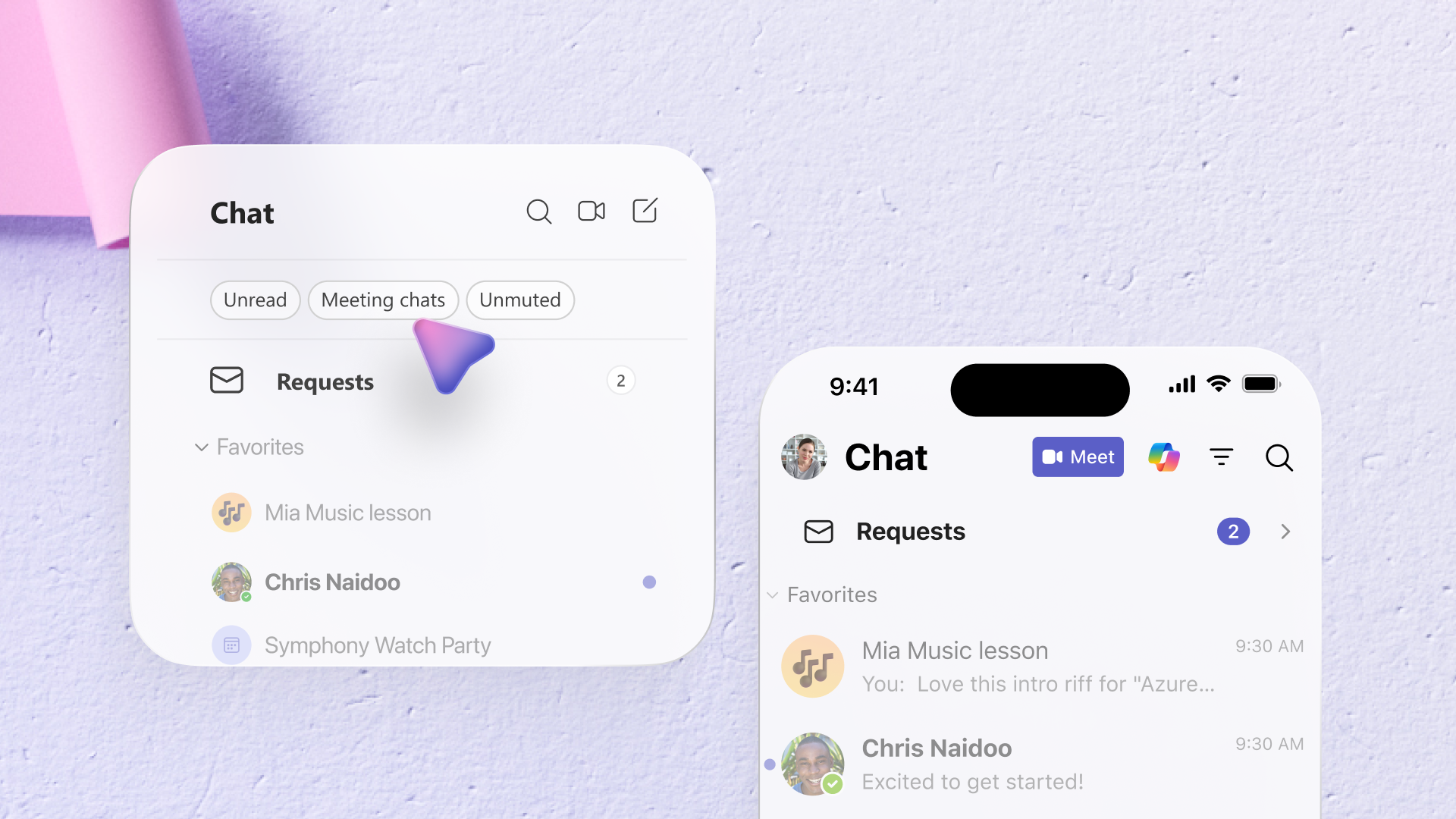
With these filters, you can:
- Switch between Recent chats and other available views
- Better understand which sorting mode you’re currently in
- Spend less time hunting for conversations and more time chatting
We’ve also refined how headers appear when switching views, so it’s clearer what you’re looking at – especially when moving between Recent and organized views.
 Start a self chat
Sometimes the most useful conversation is the one you have with yourself. You can now start a self chat, a private space that is just for you, right from the chat list.
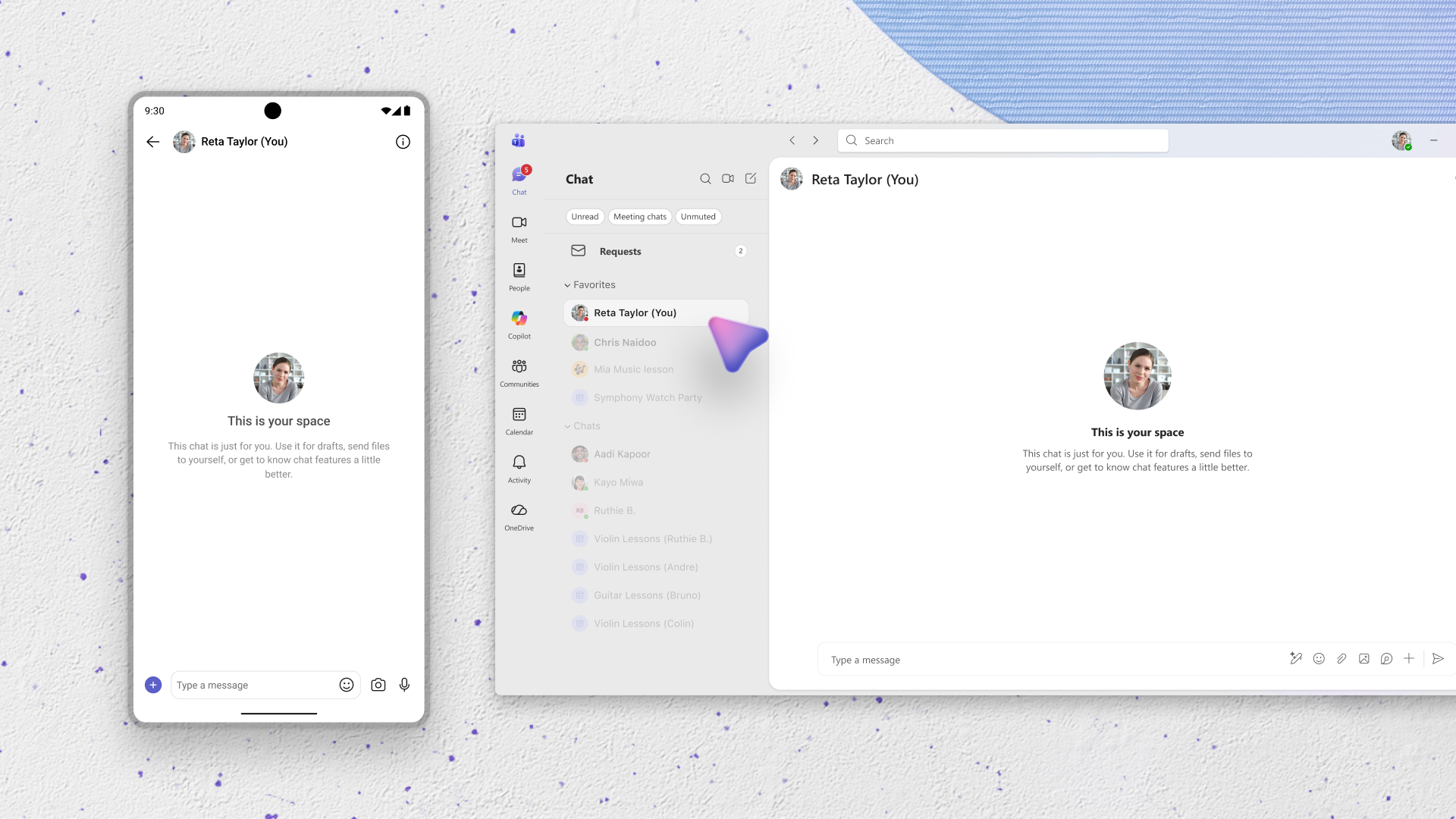
Use your self chat to:
- Jot down quick notes, reminders, and ideas so they stay within reach
- Send files, links, and photos to yourself and pick them up on any device
- Draft and polish a message before you share it in another chat
- Keep to-dos, addresses, and reference details in one easy-to-find place
- Capture ideas the moment they strike and get comfortable with Teams features in a low-stakes space
Because your self chat sits right alongside your other conversations, everything you save stays synced and searchable across your devices, ready whenever you need it.
And there’s more on the way. We’re soon rolling out enhancements in Chats such as jump to last read or unread message and updates to the chat requests experience.
You share, we listen.
We are always grateful to receive your feedback and suggestions to make Teams better.
- Report bugs and glitches by sending us relevant feedback using the in-app form. Please include diagnostic logs and screenshots to help us to investigate your issue. Learn more how to send feedback or suggest a feature in Teams Free
- If you have suggestions for new features or changes to the existing ones, you can vote and submit ideas on Microsoft Teams Free Feedback Portal.
- For Help content with the new chat list experience, please see New chat list experience in Microsoft Teams Free | Microsoft Support
Teams for Individuals (prosumers) continues to evolve, and we’re grateful to have Teams customers helping us refine these experiences before they reach everyone.